
Introduction
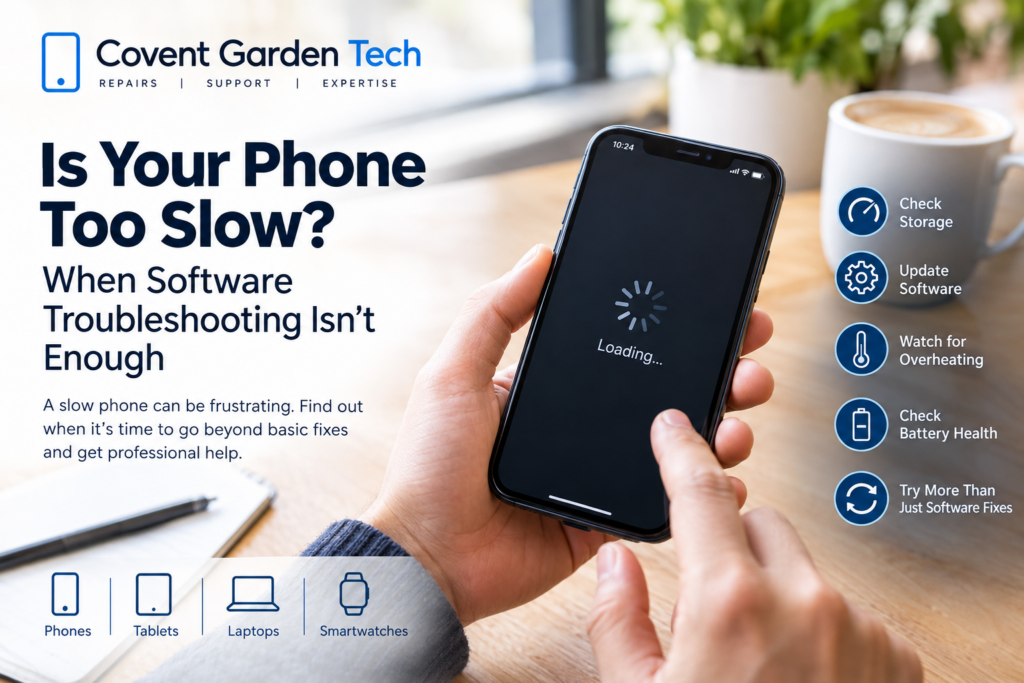
A slow phone can quickly become frustrating. Apps take longer to open, websites stop responding, the keyboard lags, and even simple tasks can feel like they take forever.
In many cases, a few software adjustments can improve your phone’s performance. But if your phone remains slow after you’ve tried the usual troubleshooting steps, the problem may be more than just a software issue.
So, how do you know when it’s time to stop troubleshooting and have your phone professionally checked?

Why Does a Phone Become Slow?
There isn’t always one single reason for a slow smartphone. Performance can be affected by software, storage, battery health, overheating, aging hardware, or a combination of several issues.
Some common causes include:
Almost-full storage
Too many background processes
Outdated software
Apps that are poorly optimised
Excessive cached data
An aging or degraded battery
Overheating
Hardware faults
General wear and tear over time
Before assuming that your phone needs a repair, there are several basic things you can try.
1. Restart Your Phone
It sounds simple, but restarting your phone can sometimes resolve temporary performance problems.
Your phone constantly runs processes in the background. Over time, a temporary software issue or poorly behaved app can affect performance.
A restart gives the operating system a fresh start and may resolve short-term lag.
If your phone becomes slow again shortly after every restart, however, there may be an underlying problem that needs further investigation.
2. Check Your Storage
Low storage is one of the most common things to check when a phone starts feeling sluggish.
Go through your photos, videos, downloaded files and apps and remove anything you no longer need. Cloud storage or an external backup can also help if your phone is filled with large media files.
Try to avoid running your device with virtually no free space.
If you’ve cleared unnecessary files and your phone is still consistently slow, storage may not be the main cause.
3. Update Your Software
Software updates can include bug fixes, security improvements and performance optimisations.
Check your phone’s settings to see whether an operating system update is available. It’s also worth checking whether your frequently used apps need updating.
However, software updates aren’t a universal solution. If your phone has become increasingly slow over a long period, especially as it gets older, hardware and battery condition may also need to be considered.
4. Identify Apps Causing Problems
Sometimes one particular app can make a phone appear slower than it actually is.
If you notice that your phone becomes particularly slow after opening a specific application, check whether an update is available. You can also try removing and reinstalling the app where appropriate.
Be cautious about downloading random “phone booster” or “cleaner” apps. Some provide little benefit and can create additional background activity.
5. Check Whether Your Phone Is Overheating
A phone that becomes unusually hot may slow itself down to protect its internal components.
Heavy gaming, video recording, navigation, charging, direct sunlight and demanding applications can all increase heat.
If your phone regularly becomes hot during normal everyday use and performance drops at the same time, don’t simply treat the slowdown as a software problem.
Repeated overheating can be a sign that your device needs further investigation.
6. Your Battery Could Be Part of the Problem
As smartphone batteries age, their capacity naturally decreases.
A worn battery can result in shorter battery life, unexpected shutdowns and other performance-related symptoms.
If your phone is several years old, loses charge quickly, shuts down unexpectedly or becomes unusually warm, checking the battery’s condition can be worthwhile.
In some cases, replacing an aging battery can make a noticeable difference to the overall usability of a phone.
When Software Troubleshooting Isn’t Enough
You’ve restarted the phone.
You’ve deleted unnecessary files.
You’ve updated the software.
You’ve removed problematic apps.
But the phone is still slow.
At this point, continuing to change random settings may not solve the underlying problem.
Persistent performance issues can sometimes point to hardware-related problems or a combination of aging components and software demands.
Signs Your Phone May Need Professional Attention
Consider getting your phone professionally assessed if you notice several of these symptoms:
The phone remains slow after basic troubleshooting
Apps frequently freeze or crash
The touchscreen responds slowly
The device regularly overheats
The battery drains unusually quickly
The phone restarts or shuts down unexpectedly
Charging has become unreliable
The phone has suffered physical damage
Performance problems started after liquid exposure
Multiple functions are experiencing problems at the same time
These symptoms don’t necessarily mean your phone is beyond repair. A proper diagnosis can help determine whether the issue is software-related, battery-related or caused by another component.
Repair or Replace Your Phone?
One of the biggest questions is whether repairing a slow phone is worthwhile.
If the device is otherwise in good condition, repairing a specific fault may be a sensible option. For example, replacing a worn component could restore normal usability without the expense of purchasing an entirely new phone.
On the other hand, if a phone has several significant problems and is already very old, replacement may make more financial sense.
A professional technician can assess the condition of the device and explain the available options before you decide what to do.
Don’t Ignore a Sudden Change in Performance
A phone that has gradually become slower over several years may simply be showing its age.
A sudden performance change is different.
If your phone was working normally and then suddenly became extremely slow, began overheating, restarted unexpectedly or developed several problems at once, it is worth investigating rather than assuming it is simply an old phone.
Backing up your important data is also a good idea whenever your device begins behaving unusually.
Professional Phone Troubleshooting at Covent Garden Tech
If you’ve tried the usual software fixes and your phone is still frustratingly slow, professional diagnosis can help identify what’s actually causing the problem.
Covent Garden Tech can help you determine whether your phone’s performance problem is something that can be resolved through troubleshooting or whether it requires further technical attention.
Instead of repeatedly deleting apps, changing settings and restarting your phone without knowing the cause, getting the device assessed can give you a clearer path forward.
Frequently Asked Questions
Why is my phone suddenly so slow?
A sudden slowdown can be caused by low storage, a problematic app, software issues, overheating, battery problems or hardware faults. Start with basic troubleshooting, but persistent or sudden problems may require professional diagnosis.
Can deleting apps make my phone faster?
It can help if your phone is running low on storage or if a particular app is causing performance problems. However, deleting apps won’t necessarily fix hardware or battery-related issues.
Does a bad battery make a phone slow?
An aging battery can contribute to performance problems and other symptoms, particularly on older phones. If you are experiencing poor battery life, unexpected shutdowns or overheating alongside slow performance, the battery is worth checking.
Should I factory reset my phone?
A factory reset can resolve certain software problems, but it should not be the first step for every slow phone. Always back up important data before considering a factory reset, and consider professional advice if the problem persists.
When should I take my slow phone to a repair shop?
If basic troubleshooting hasn’t helped, or your phone is also overheating, restarting, failing to charge, suffering from battery problems or showing signs of physical or liquid damage, professional assessment is recommended.
Final Thoughts
A slow phone isn’t always a sign that you need a new device. Simple software problems can often be fixed with a restart, storage cleanup, updates or app troubleshooting.
But when those steps don’t work, continuing to experiment with settings may only waste your time.
If your phone remains slow or is showing other unusual symptoms, professional diagnosis can help identify the real cause and determine whether repair is a practical option.