
Introduction
If your desktop computer has become slow, crashes unexpectedly, or refuses to start, your first thought might be to replace it. However, buying a brand-new PC isn’t always the most practical—or cost-effective—solution.
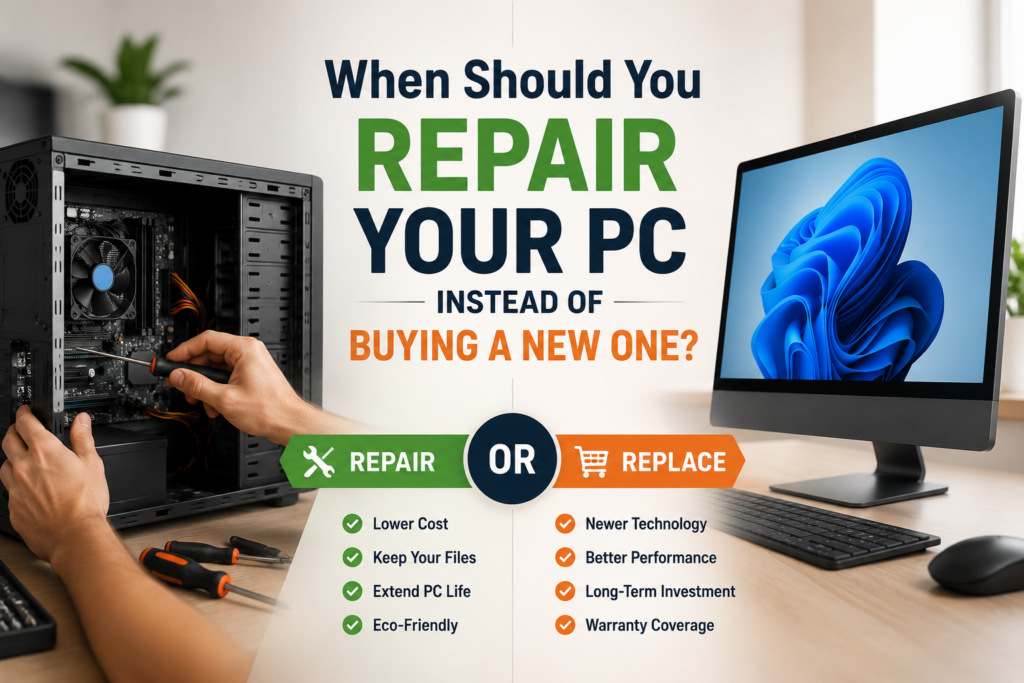
In many cases, a professional repair or hardware upgrade can restore your computer’s performance for a fraction of the cost of a new system. Here’s how to decide whether repairing your PC is the smarter investment.

1. Your PC Is Less Than Five Years Old
Modern desktop computers are built to last. If your PC is under five years old, there’s a good chance it still has plenty of life left.
Many common issues—such as slow performance, startup problems, or overheating—can often be resolved through:
SSD upgrades
RAM upgrades
Windows optimisation
Virus and malware removal
Cooling system maintenance
These repairs are usually far less expensive than purchasing a new computer.
2. The Problem Is Limited to One Component
Not every hardware issue means your entire PC has reached the end of its life.
Common repairable faults include:
Failing hard drives or SSDs
Faulty power supplies
Damaged graphics cards
Defective RAM
Cooling fan failures
Broken USB ports
Windows boot errors
Replacing one faulty component is often much more affordable than replacing the whole machine.
3. Your Computer Is Simply Running Slowly
A slow computer doesn’t necessarily mean it’s outdated.
Performance issues are often caused by:
Too many startup applications
Malware infections
Nearly full storage drives
Outdated software
Insufficient RAM
Traditional hard drives instead of SSDs
A professional diagnostic can identify the root cause and restore your PC’s speed without the expense of buying new hardware.
4. You Need to Keep Your Files
Replacing a computer means transferring documents, photos, software, and settings.
Repairing your existing PC allows you to keep your familiar setup while avoiding the hassle of reinstalling applications or recovering important files.
If your hard drive has failed, professional data recovery may still be possible depending on the extent of the damage.
5. Upgrading Costs Much Less Than Replacing
Consider a typical comparison:
In many cases, a combination of upgrades can make an older computer feel almost like new.
6. Your PC Still Meets Your Needs
Ask yourself:
Do you mainly browse the internet?
Do you use Microsoft Office?
Do you stream videos?
Do you manage emails?
Do you work from home?
If you answered “yes” to most of these questions, your current PC may only need servicing or minor upgrades rather than complete replacement.
When Buying a New PC Makes More Sense
Although repairs are often worthwhile, there are situations where replacement is the better option:
The motherboard has suffered severe damage.
Multiple major components have failed simultaneously.
Replacement parts are no longer available.
Repair costs exceed around half the price of a comparable new computer.
Your PC cannot support the software or operating system you require.
A reputable repair technician can help you compare repair costs against replacement value before you spend money.
Why Professional Diagnostics Matter
Many computer problems appear serious but turn out to have simple solutions.
Professional diagnostics can quickly determine whether your issue is related to software, hardware, or a single failing component. This ensures you only pay for the repairs your computer actually needs.
Trust Covent Garden Tech Repairs
At Covent Garden Tech Repairs, our experienced technicians diagnose and repair desktop PCs quickly and efficiently. Whether your computer is running slowly, refusing to boot, overheating, or experiencing hardware failure, we’ll provide honest advice on whether repair or replacement offers the best value.
Our goal is simple: help you get your computer back to peak performance while saving you unnecessary expense whenever possible.
Final Thoughts
Buying a new PC isn’t always the answer. In many cases, replacing a faulty component, upgrading storage or memory, or carrying out professional maintenance can extend the life of your computer for several more years.
If you’re unsure which option is right for you, a professional diagnostic can help you make an informed decision and avoid spending more than necessary.