
Introduction:
There’s nothing more frustrating than plugging in your phone and discovering it simply won’t charge. Whether you own an iPhone, Samsung Galaxy, Google Pixel, or another smartphone, charging issues are among the most common problems users experience.
The good news is that not every charging problem requires a new phone. In many cases, the issue can be diagnosed and repaired quickly by a professional technician.
At Covent Garden Tech, we provide fast and reliable smartphone repair services for a wide range of charging issues, including charging port repairs, battery replacements, and motherboard diagnostics. The business offers same-day repairs for many devices, uses quality parts, and follows a “No Fix, No Fee” approach.

Why Your Phone Isn’t Charging
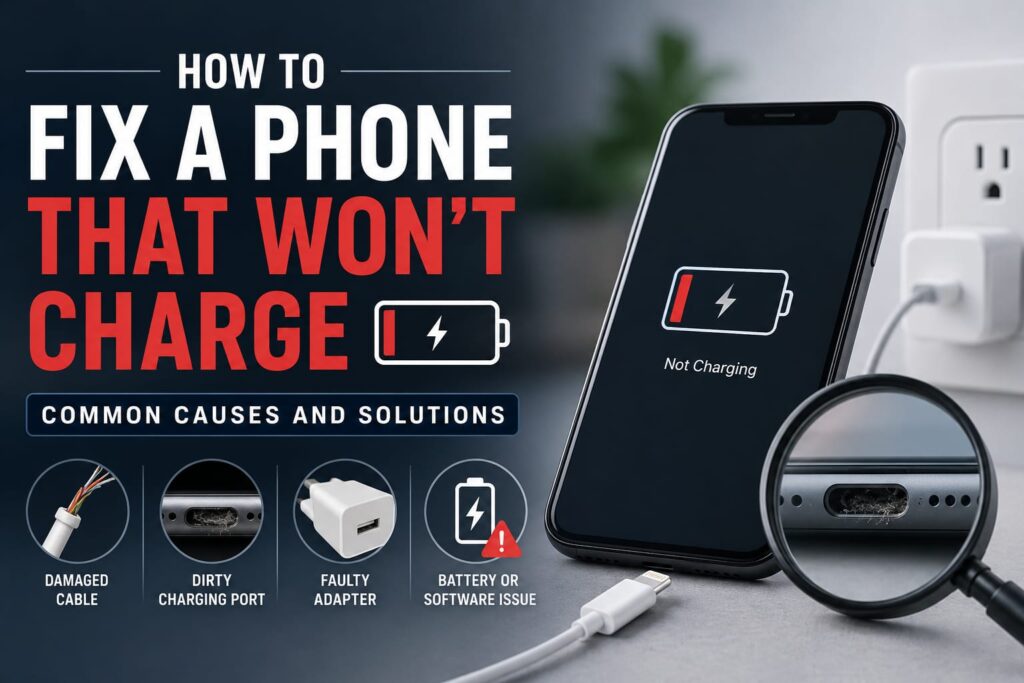
Several factors can prevent your phone from charging properly. Identifying the cause is the first step toward finding the right solution.
1. A Faulty Charging Cable or Adapter
Before assuming your phone is damaged, check your charging accessories.
Look for:
Frayed cables
Bent connectors
Loose plugs
Damaged charging bricks
Try using a different cable and power adapter to rule out accessory issues.
2. Dirt or Dust Inside the Charging Port
Pocket lint, dust, and debris can build up inside the charging port over time, preventing the charging cable from making proper contact.
Signs include:
Cable feels loose
Charging only works when the cable is held at a certain angle
Intermittent charging
Avoid inserting metal objects into the port, as this can cause permanent damage.
3. Battery Wear
Smartphone batteries naturally degrade after hundreds of charge cycles.
Common signs include:
Battery drains quickly
Phone shuts down unexpectedly
Device charges very slowly
Battery percentage jumps up or down
If your battery has reached the end of its lifespan, replacing it is usually more cost-effective than replacing the entire phone.
4. Water Damage
Even a small amount of moisture can affect charging components.
Water damage may cause:
Charging to stop completely
Slow charging
Corrosion inside the charging port
Battery failure
If your phone has been exposed to water, avoid charging it and have it inspected by a professional technician as soon as possible.
5. Software Issues
Occasionally, charging problems are caused by software rather than hardware.
Simple fixes include:
Restarting your phone
Installing the latest software update
Checking battery health settings
Closing apps consuming excessive power
If the problem continues after updating the software, the issue may be hardware-related.
6. Charging Port Damage
Frequent plugging and unplugging can wear out the charging port over time.
You may notice:
Loose connection
Cable falling out easily
Phone only charging in certain positions
No charging response at all
Professional charging port replacement is often the most reliable solution.
7. Motherboard or Power IC Problems
If none of the above solutions work, the fault could lie with the phone’s internal charging circuitry.
Motherboard issues typically require specialist diagnostic equipment and component-level repairs.
What You Can Try Before Visiting a Repair Shop
Before seeking professional help, try these simple troubleshooting steps:
Test a different charging cable and adapter
Try another wall socket
Restart your phone
Inspect the charging port for visible debris
Remove your phone case if it’s preventing the cable from connecting properly
Check for software updates
If your phone still won’t charge, it’s time for a professional inspection.
Why Professional Diagnosis Matters
Modern smartphones are complex devices. Attempting DIY repairs without the proper tools can make the problem worse and may void any remaining warranty.
Professional technicians can accurately diagnose whether the issue involves:
Charging port
Battery
Charging IC
Motherboard
Water damage
Software faults
This ensures you only pay for the repair your device actually needs.
Why Choose Covent Garden Tech?
When your phone stops charging, you want a repair service that’s fast, transparent, and reliable.
Covent Garden Tech offers:
Same-day repairs for many devices
Experienced technicians
Repairs for iPhone, Samsung, Google Pixel, iPad, laptops, tablets, and more
Quality replacement parts
No Fix, No Fee policy
Warranty on many repairs
Convenient London location for walk-in customers
Whether your phone needs a simple charging port clean or a more advanced motherboard repair, the team is equipped to help.
When Should You Replace Your Phone?
In most cases, charging issues can be repaired for significantly less than the cost of buying a new device.
Replacing your phone should only be considered if:
Repair costs exceed the value of the device
The motherboard has extensive, irreparable damage
Multiple major components have failed
A professional diagnostic assessment can help you make the most cost-effective decision.
Final Thoughts
A phone that won’t charge doesn’t necessarily mean it’s time for a replacement. Problems can range from a faulty cable or blocked charging port to a worn-out battery or damaged charging circuit.
If you’ve tried the basic troubleshooting steps and your phone still isn’t charging, don’t delay. Early diagnosis can prevent further damage and increase the chances of a successful repair.
At Covent Garden Tech, our experienced technicians provide fast, professional diagnostics and repairs to get your device back up and running as quickly as possible.