
Introduction
A damaged laptop screen can disrupt your work, studies, or entertainment in an instant. Whether your display is cracked after an accidental drop, flickering unexpectedly, or showing dead pixels, replacing the screen is often the most cost-effective way to restore your device instead of purchasing a new laptop.
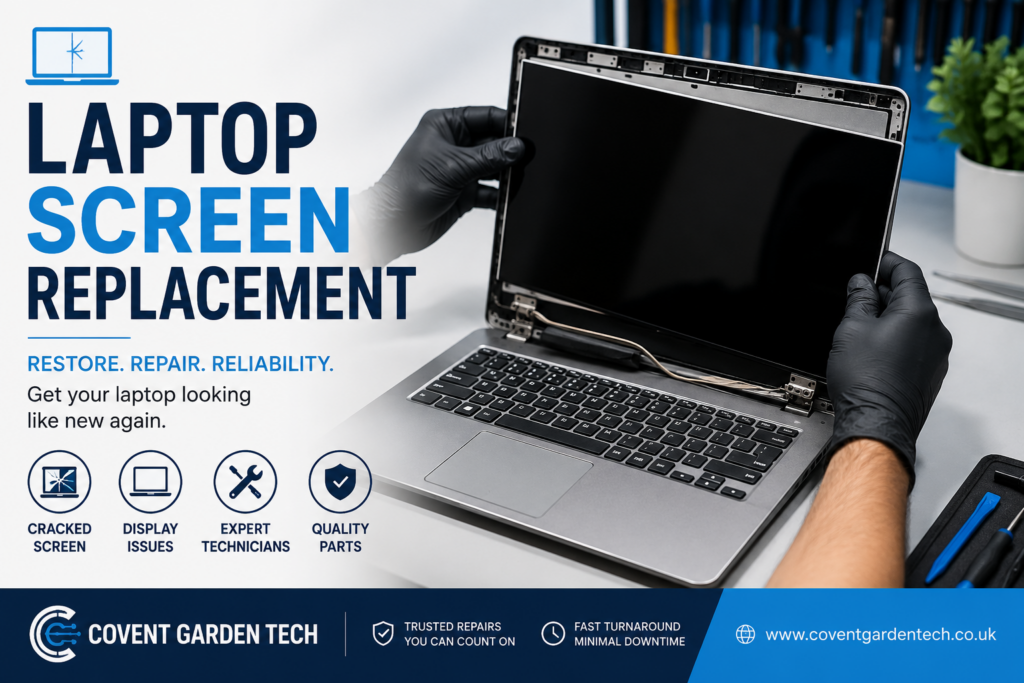
At Covent Garden Tech, we provide professional laptop screen replacement services for all major laptop brands, helping customers get back to work with minimal downtime. Visit https://www.coventgardentech.co.uk/ to learn more about our repair services.

Common Signs Your Laptop Screen Needs Replacement
Not every display problem means your laptop has reached the end of its life. In many cases, replacing the screen is all that’s needed.
Some of the most common signs include:
Cracked or shattered screen
Flickering display
Black screen while the laptop is still running
Vertical or horizontal coloured lines
Dead or stuck pixels
Bright or dark spots on the display
Screen bleeding or ink-like patches
Dim display caused by backlight failure
If you notice any of these symptoms, it’s important to have your laptop professionally diagnosed before the damage worsens.
What Causes Laptop Screen Damage?
Laptop screens are delicate and can be damaged in several ways.
Accidental Drops
Dropping your laptop is one of the leading causes of cracked LCD and LED displays.
Pressure Damage
Closing your laptop with an object left on the keyboard or placing heavy items on top can crack the internal display even if the outer glass appears intact.
Liquid Damage
Water or other liquids may seep into the display assembly, causing flickering, discoloration, or complete screen failure.
Hinge Problems
Loose or damaged hinges can place stress on the display cable and screen over time.
Manufacturing Wear
After years of use, screens may develop dead pixels, fading brightness, or backlight issues.
Can a Cracked Laptop Screen Be Repaired?
In most cases, a cracked laptop screen cannot simply be repaired—it needs to be replaced.
Modern laptops use integrated LCD, LED, IPS, OLED, or Retina displays that are designed as complete units. Replacing the damaged panel restores image quality, brightness, and touch functionality (where applicable). Professional repair services typically source a compatible replacement based on your laptop’s exact model.
Why Choose Professional Laptop Screen Replacement?
While DIY repair videos are widely available, replacing a laptop screen requires precision and experience.
Professional technicians can:
Correctly identify the compatible screen
Safely disassemble your laptop
Prevent damage to display cables and connectors
Test the replacement before reassembly
Ensure proper alignment and calibration
Choosing professional repair reduces the risk of further damage and helps restore your device to reliable working condition.
Laptop Brands We Commonly Repair
Professional repair centres typically replace screens for most major manufacturers, including:
Apple MacBook
Dell
HP
Lenovo
ASUS
Acer
MSI
Samsung
Microsoft Surface
Toshiba
Huawei
Razer
Whether you own a business laptop, gaming laptop, or ultrabook, replacement screens are available for many models.
What Happens During a Laptop Screen Replacement?
A professional screen replacement usually follows these steps:
Device inspection and diagnosis.
Confirmation of the exact screen model.
Safe removal of the damaged display.
Installation of a compatible replacement screen.
Testing for brightness, colour accuracy, touch functionality (if applicable), and overall performance.
Final quality inspection before returning the laptop.
Most repairs can be completed quickly once the correct replacement screen is available, although turnaround time varies depending on the laptop model and parts availability.
Should You Replace the Screen or Buy a New Laptop?
Many people assume a broken screen means buying a new laptop, but that’s often unnecessary.
Replacing the screen is usually the better option when:
The laptop performs well otherwise.
Your important files and software are already set up.
The repair cost is significantly lower than buying a new device.
The laptop is only a few years old.
A professional assessment can help determine whether screen replacement is the most practical solution.
Tips to Protect Your Laptop Screen
Once your screen has been replaced, a few simple habits can help extend its lifespan:
Carry your laptop in a padded protective case.
Never place heavy objects on top of it.
Open and close the lid gently using the centre.
Avoid eating or drinking near your laptop.
Clean the screen with a microfiber cloth designed for electronics.
Keep your device away from extreme temperatures and moisture.
These precautions can reduce the risk of accidental damage and help keep your display in excellent condition.
Why Choose Covent Garden Tech?
At Covent Garden Tech, we understand how essential your laptop is for work, education, and everyday life. Our experienced technicians diagnose display issues accurately and provide high-quality screen replacement solutions for a wide range of laptop models.
We focus on transparent service, quality workmanship, and getting your device back to you as quickly as possible. Whether your screen is cracked, flickering, or completely unresponsive, our team is here to help restore your laptop to full working order.
Learn more about our repair services at https://www.coventgardentech.co.uk/.
Frequently Asked Questions
How long does a laptop screen replacement take?
Repair time depends on your laptop model and screen availability. Many replacements can be completed the same day or within a short turnaround once the correct part is available.
Will I lose my files during a screen replacement?
A screen replacement generally does not affect the data stored on your laptop, as the storage drive is not altered during the repair. However, keeping regular backups is always recommended.
Can touchscreen laptop screens be replaced?
Yes. Touchscreen displays can often be replaced with compatible parts designed specifically for your laptop model.
Is it worth replacing an older laptop screen?
If your laptop still meets your performance needs and is otherwise in good condition, replacing the screen is often a more economical and environmentally friendly option than replacing the entire device.
Final Thoughts
A cracked or malfunctioning laptop screen doesn’t necessarily mean it’s time to replace your computer. In many cases, professional laptop screen replacement can restore your device quickly and cost-effectively, allowing you to continue using it for years to come.
If you’re experiencing display issues, the team at Covent Garden Tech can help you diagnose the problem and recommend the most suitable repair solution. With expert technicians and quality replacement parts, you can get your laptop back in excellent working condition with confidence