
Introduction
When a smartphone, tablet, laptop or computer stops working properly, it can be difficult to know whether the problem requires a simple fix or a complete replacement. A cracked screen is easy to recognise, but many device problems are hidden beneath the surface.
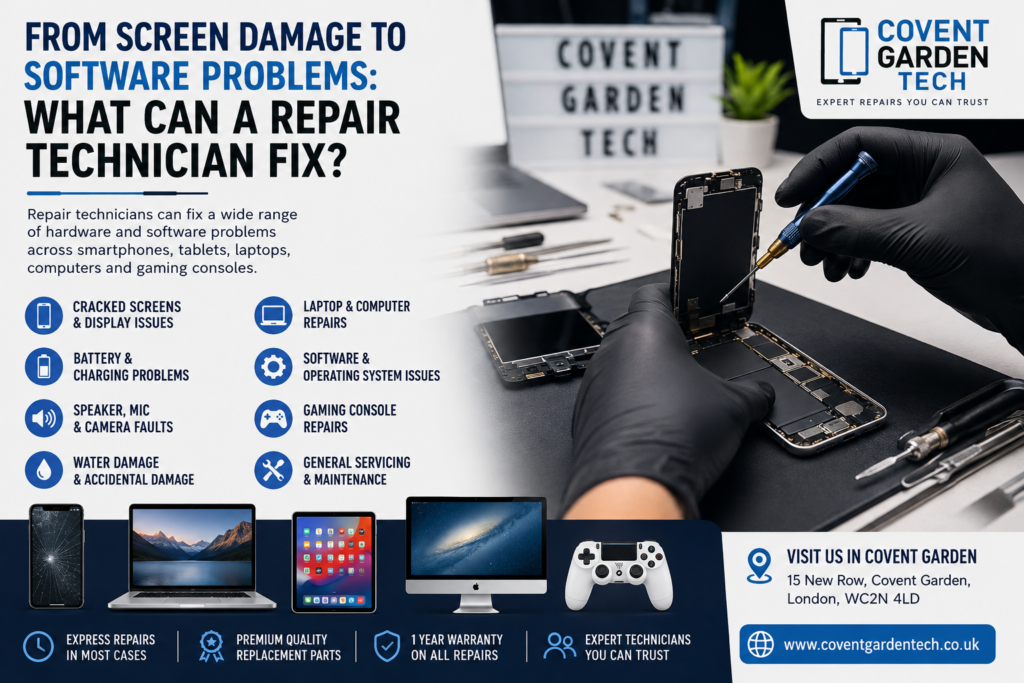
From damaged displays and failing batteries to charging issues, slow performance and software problems, professional repair technicians can often diagnose and resolve a wide range of faults.
At Covent Garden Tech, repair services cover smartphones, tablets, laptops, computers and gaming devices, with technicians handling both hardware and software problems. The company says it has repaired more than 20,000 devices and offers a one-year warranty on repairs.

Hardware vs Software Problems: What’s the Difference?
The first step in repairing a device is identifying whether the issue is related to hardware, software or a combination of both.
Hardware problems involve the physical components of a device. Examples include:
Cracked or broken screens
Damaged charging ports
Faulty batteries
Broken buttons
Camera problems
Speaker or microphone faults
Water or accidental damage
Internal component failures
Software problems, on the other hand, are usually related to the operating system, applications, settings or stored data. These can include:
Devices becoming unusually slow
Apps repeatedly crashing
Software errors
Boot-up problems
System freezes
Connectivity problems
Operating-system issues
Sometimes a problem that appears to be hardware-related can actually be caused by software, which is why professional diagnosis is important.
1. Cracked and Damaged Screens
Screen damage is one of the most obvious reasons people seek professional repair.
A cracked display doesn’t necessarily mean the entire device needs replacing. Depending on the model and extent of the damage, a technician may be able to replace the screen or relevant display components.
Professional screen repair can be particularly useful when:
The glass is cracked
Touch functionality has stopped working
Parts of the display are black
The screen is flickering
There are lines or unusual colours across the display
The display has become unresponsive
If the device is otherwise working correctly, repairing the screen may be a much more practical option than replacing the entire phone, tablet or laptop.
2. Battery and Charging Problems
Is your phone constantly running out of power? Does your laptop shut down unexpectedly? Or does your device only charge when the cable is positioned at a particular angle?
These problems can indicate a faulty battery, charging port, cable connection or another internal component.
A repair technician can diagnose the source of the problem rather than simply replacing parts unnecessarily.
For example, a device that isn’t charging could have:
A damaged charging port
A failing battery
Dirt or debris affecting the connection
A faulty internal component
A software-related charging issue
Getting the device professionally assessed can help identify the actual cause.
3. Slow Laptops and Computers
A slow computer doesn’t always mean that it’s reaching the end of its useful life.
Performance problems can be caused by software, storage limitations, background processes, operating-system issues or failing hardware.
A technician can assess the device and determine what is affecting its performance. Depending on the diagnosis, the solution could involve maintenance, software troubleshooting or replacement of a faulty component.
Professional maintenance can also help reduce unnecessary downtime and keep your computer working efficiently.
4. Software and Operating-System Problems
Not every repair requires a screwdriver.
Software problems can be just as frustrating as physical damage. A phone, tablet or computer may freeze, crash, fail to start correctly or behave unpredictably because of an operating-system or software issue.
A repair technician can investigate the problem and determine whether it can be resolved through software troubleshooting, system repair, updates, configuration changes or other appropriate solutions.
This is particularly useful when the device itself appears physically undamaged but isn’t functioning correctly.
5. Camera, Speaker and Microphone Faults
Modern smartphones and tablets depend on several small components that can fail independently.
You may notice symptoms such as:
A camera that won’t open
Blurry or distorted images
No sound from the speaker
A microphone that doesn’t work during calls
Problems with audio recording
Intermittent functionality
The cause may be physical damage, component failure, software settings or another underlying issue. A technician can diagnose the fault before recommending the appropriate repair.
6. Laptop and Computer Hardware Repairs
Laptops and desktop computers contain numerous components that can develop problems over time.
Professional technicians can diagnose issues involving hardware and system performance, helping determine whether a component needs repair, replacement or further testing.
Covent Garden Tech specifically lists laptop repair, computer repair, system repair and maintenance among its services.
7. Tablet Repairs
Tablets can experience many of the same problems as smartphones, including cracked screens, battery faults, charging problems and software issues.
Because tablets are often used for work, education, entertainment and communication, getting a faulty device diagnosed quickly can help minimise disruption.
A professional repair service can assess the device and identify whether the problem is with the screen, battery, charging system, software or another component.
8. Gaming Console Problems
Gaming consoles can also develop hardware and software faults.
Problems may include power issues, connectivity failures, overheating, damaged ports or system-related errors. Covent Garden Tech lists gaming repair alongside its mobile, tablet, laptop and computer repair services.
If your console is no longer performing as it should, professional diagnosis can help establish whether the issue can be repaired rather than immediately replacing the system.
Why Professional Diagnosis Matters
One of the biggest mistakes people make is assuming they know exactly what’s wrong with a device.
For example, a phone that won’t charge might have a faulty battery—but it could also have a damaged port or another internal issue. Similarly, a slow laptop could have a software problem rather than a serious hardware failure.
A professional technician can assess the symptoms and identify the underlying cause before carrying out the repair.
At Covent Garden Tech, the company states that technicians analyse devices and provide a diagnosis, with services designed to minimise downtime. It also states that it uses premium-grade parts for repairs and provides a one-year warranty on repairs.
Repair or Replace: Which Is Better?
The answer depends on several factors:
The age of the device
The type and severity of the damage
The cost of repair
The value of the device
Availability of replacement parts
Whether the device still meets your needs
For relatively new or high-value devices, repairing a specific fault can often make more sense than purchasing an entirely new device.
The best way to make the decision is to get a professional assessment and compare the repair cost with the cost of replacement.
Don’t Ignore Small Problems
A minor fault can sometimes develop into a much bigger problem.
A damaged charging port, unusual battery behaviour, overheating, flickering display or recurring software crash shouldn’t necessarily be ignored. Early diagnosis may help prevent further damage and reduce the eventual repair cost.
If your device isn’t working as it should, getting it checked can give you a clearer idea of what is actually wrong and what your options are.
Final Thoughts
From cracked screens and faulty batteries to charging problems, slow computers and software errors, professional repair technicians can deal with a surprisingly wide range of device problems.
The key is accurate diagnosis. Instead of immediately replacing a damaged or malfunctioning device, find out whether the underlying problem can be repaired.
Whether you need smartphone, tablet, laptop, computer, Apple or gaming-device support, Covent Garden Tech provides repair services in Covent Garden, London, including express repair options. The company is located at 15 New Row, Covent Garden, London, WC2N 4LD.
Need a device repaired? Visit Covent Garden Tech to arrange a repair or find out what’s causing the problem.